
1. Open the installation link
Pick the reminder that works best for you:
2. Download the calendar file
After clicking the link, an .ICS file will be automatically downloaded to your computer.
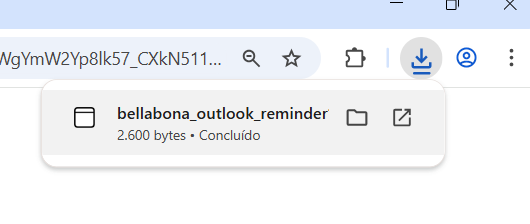
3. Open the downloaded file
Open the downloaded .ICS file.
⚠️ Don’t worry if nothing appears on your screen, this is expected behavior.
4. Open Outlook Calendar
- Open your Outlook app
- Click on the Calendar icon
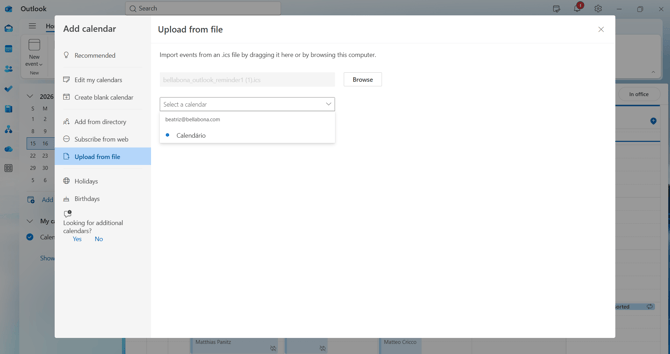
5. Select the calendar
A pop-up will appear asking you to choose where to add the calendar.
- Select your preferred calendar
- Confirm the import
That's it! Your lunch reminders are ready to keep you on track every week.