
If you see the message:
“Oops, something went wrong. Please try again.”
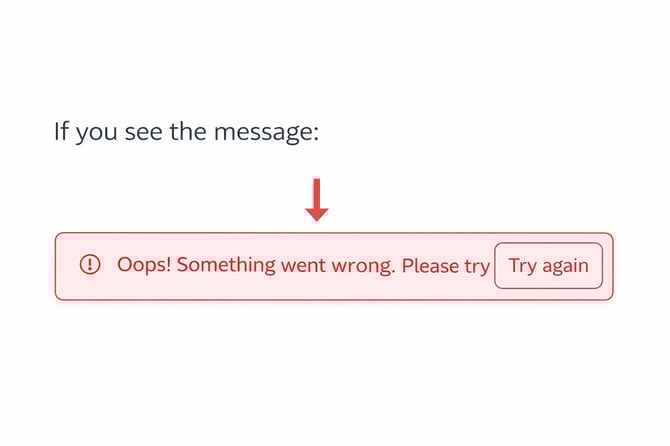
This usually means your browser or app is using outdated stored data (cache), or your session needs to be refreshed.
This is a temporary issue and can normally be fixed in less than a minute.
How to fix it
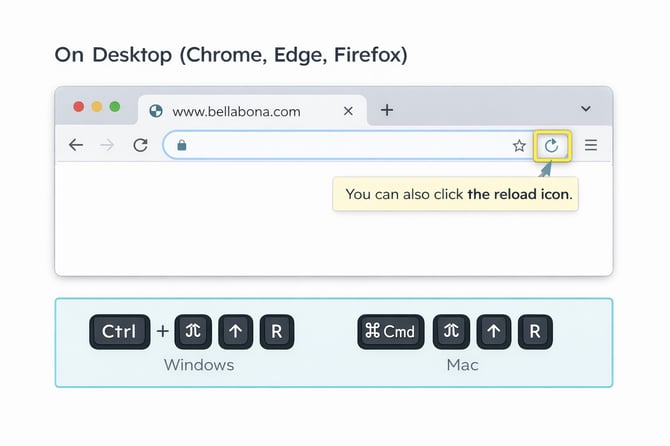
On Desktop (Chrome, Edge, Firefox)
- Refresh the page using:
- Windows: Ctrl + Shift + R
- Mac: Cmd + Shift + R
- If the issue continues, clear your browsing data:
- Windows: Ctrl + Shift + Delete
- Mac: Cmd + Shift + Delete
- Close the tab and open it again.
On Safari (Mac)
- Open the Safari menu.
- Click Clear History.
- Reload the page.
.png?width=670&height=447&name=Bella%26Bona%20%7C%20Safari%20Clear%20History%20(Mac).png)
On Mobile App
- Close the app completely (swipe it out of recent apps).
- Open the app again.
- Try placing your order again.
Still not working?
If the problem persists, please contact our support team:
📧 questions@bellabona.com
Please include:
- A screenshot of the error message
- The device you are using (desktop or mobile)
- The browser (Chrome, Safari, etc.)
This helps us resolve the issue as quickly as possible.